
Introduction
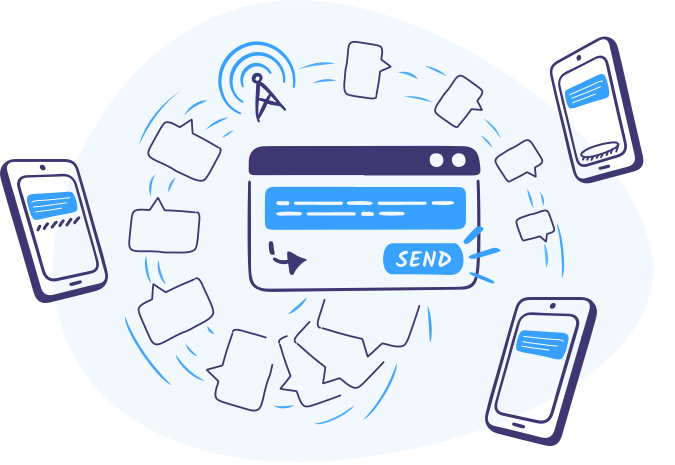
SpineLegal now integrates with ClickSend, allowing legal professionals to send SMS, fax, or postal communications directly from the platform. This integration simplifies communication workflows, saves time, and ensures messages are sent securely and efficiently.
By using ClickSend within SpineLegal, law firms can manage all client communications in one place while maintaining professional standards and compliance.
What Is ClickSend?
ClickSend is a cloud-based communication platform that enables users to send SMS, fax, email, and postal messages quickly and securely. With ClickSend, law firms can automate notifications, reminders, and correspondence directly from SpineLegal.
Why ClickSend Integration Matters in SpineLegal
Effective communication is critical in legal practice. The ClickSend integration enables firms to:
- Send SMS, fax, and postal messages instantly from cases
- Maintain a secure and auditable communication record
- Reduce manual work and errors in sending documents
- Improve client engagement and response rates
Key Features of ClickSend in SpineLegal
Multi-Channel Communication
Send SMS, fax, or postal messages directly from SpineLegal without switching systems.
Real-Time Delivery Tracking
Monitor message delivery status and receive confirmations instantly.
Secure and Compliant
All messages are encrypted and fully compliant with data protection regulations.
Automated Workflow Integration
Schedule reminders, notifications, or mass communications to clients and case participants.
Centralised Communication History
Keep a complete log of all communications linked to the relevant case files for easy auditing and reference.
Benefits for Law Firms
- Efficiency: Reduce administrative work with automated messaging.
- Accuracy: Ensure messages are sent correctly and tracked.
- Security: Maintain client confidentiality with encrypted delivery.
- Compliance: Adhere to regulatory standards for communication.
- Improved Client Engagement: Faster notifications and better response rates.
How to Use ClickSend in SpineLegal
- Open the relevant case in SpineLegal.
- Select the ClickSend communication option (SMS, fax, or post).
- Draft your message or select a template.
- Send directly from SpineLegal and track delivery in real time.
- All communications are logged automatically within the case file.
Conclusion
The ClickSend integration in SpineLegal revolutionizes client communication by enabling fast, secure, and auditable messaging. Law firms can save time, improve client engagement, and maintain professional communication standards — all within a single platform.

